

From URL to Finished Campaign in 4 Minutes: A Real Reverze Walkthrough
A real, timed walkthrough of Reverze's app store screenshot generator — paste your App Store URL and get a finished, every-size, every-language campaign in about 4 minutes.
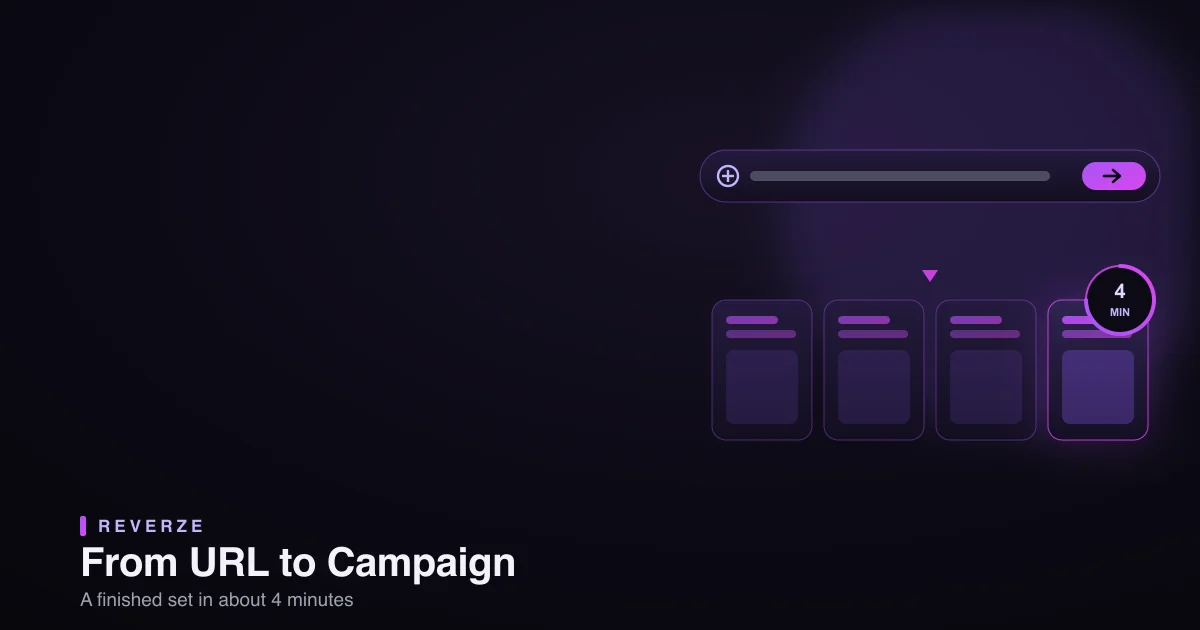
The entire pitch fits in one sentence: paste your App Store URL, get a finished screenshot campaign in about four minutes. That sounds like marketing, so let me do the un-marketing thing and actually walk you through it — timed, step by step, no cuts — so you can decide for yourself.
This is what makes Reverze different from every other app store screenshot generator I've used: they start you at a blank template. Reverze starts from what you already have. That "from URL" beginning is the whole trick, and it's why four minutes is real and not a demo lie.
Why starting from a URL changes everything
Most generators hand you an empty canvas and a template gallery. Great — now you re-decide your layout, your colors, your messaging, all of which you already decided when you built your live listing. You're recreating work that exists.
Reverze reads your live App Store listing and works forward from it. Your visual hierarchy, your captions, your style — it starts there and rebuilds, instead of asking you to start over. That's the difference between "make screenshots from scratch" and "regenerate the set I already have, but better and in every size." One is an afternoon. The other is four minutes.
The walkthrough, minute by minute
Here's exactly what happens when I run my own app through it.
0:00 — Paste the URL. I drop my App Store link into Reverze's AI Screenshot Rebuild and hit go. That's the entire input. No uploads, no template picking, no setup.
0:30 — It analyzes the existing set. Reverze pulls my current screenshots and reads them — the layout, the visual hierarchy, which caption is the headline, how the frames flow. This is the part the blank-canvas tools can't do, because they never see your listing. It's effectively reverse-engineering your creative into something editable.
1:00 — It rebuilds into an editable campaign. The set comes back as a real, editable campaign — not a flat image, but layers I can touch: text, backgrounds, device frames, the works. Everything that was locked in a screenshot is now adjustable.
2:00 — I generate new directions. Instead of nudging pixels, I ask for alternative directions — a punchier first frame, a different background system, a benefit-led caption — and pick the ones I like. This is where taste comes in (more on that below), but the production is instant.
3:00 — Every size and every language, at once. The part that used to eat days: I trigger every device size (iPhone 6.9", 6.5", iPad…) and my languages together. Text re-flows to fit each frame instead of overflowing. No frame-by-frame, no per-language duplication.
4:00 — Export the package. I export the whole set, correctly sized, ready to upload. Done. The thing that was a multi-day Figma slog — I wrote about that pain in the faster way than Figma — is a finished campaign before my coffee's cold.
What it is not (the honest part)
Four minutes is real, but let me kill the fantasy so you're not disappointed: this is not a "press button, receive perfect award-winning design" machine. It does the production — the analysis, the rebuild, the sizing, the localization — brilliantly and fast. The direction is still yours. You decide which promise leads, which caption sounds human, whether the bold idea is worth trying. Reverze gives you a finished, editable set in four minutes; making it great is the judgment you bring to those four minutes. That's the same trade I described in replacing my designer with AI — the machine owns the repetitive 80%, you keep the 20% that needs taste.
Who this is for
- Indie devs and solo founders who ship often and can't spend days per update on creative.
- Anyone with an existing listing — the "from URL" start is strongest when you already have screenshots to rebuild.
- Teams localizing into several languages, where the per-language production is the real cost.
If you're designing a brand-new visual concept from absolute zero, a blank-canvas tool is fine for that one creative leap. For everything after — producing and maintaining the actual listing — this is the four-minute path.
Try it on your own URL
Reading about it is nothing next to watching your own screenshots come back rebuilt. Paste your App Store URL into Reverze and time it yourself — from your live listing to a finished, every-size, every-language campaign, in about the length of this article. Then spend the days you just saved on your actual product.
Reverze turns App Store creative production from a multi-day workflow into minutes — paste a URL, rebuild your screenshots, generate new directions, and export production-ready assets. Explore the free tools or start in the app.